There are dozens of options in PDF.js, and they all belong to four kinds for now. You may wonder why there are so many options, and what they mean at the first time. This document will help you to understand them.
Let's crack on them one by one!
Option Kinds
- VIEWER
- API
- WORKER
- PREFERENCE
Important options
defaultUrllocaleworkerSrc
defaultUrl
- Type
URL | string | Uint8Array
The url of the PDF file. If you got CORS issue when loading a PDF file from a different origin, see details at origin match error section in common pitfalls page .
locale
- Type
string - Default
en-US
The locale of the viewer, it easy to switch a different locale by setting this option. See all supported locales in folder l10n.
workerSrc
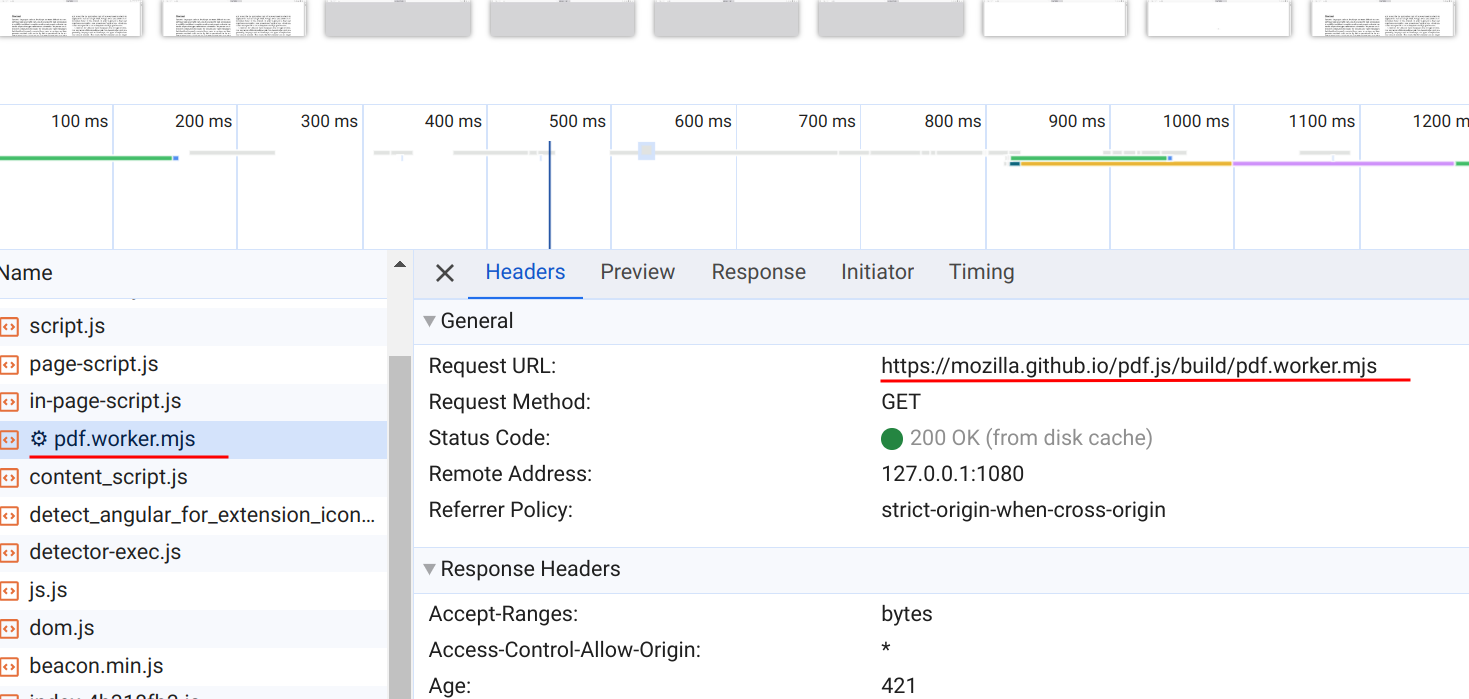
The url of the PDF.js web worker bundle.
The PDF.js project use web worker to speed up the rendering process, it means there must be some code creating and initializing the web worker using the workerSrc. It configured with default value, but it always depends on how you deploy it. Make sure you can download the worker bundle from the workerSrc url.
Other options
textLayerMode
- Type
integer - Default
1 - Values
0,1,2 - Source
web/ui_utils/TextLayerMode
The textLayerMode of text layer.